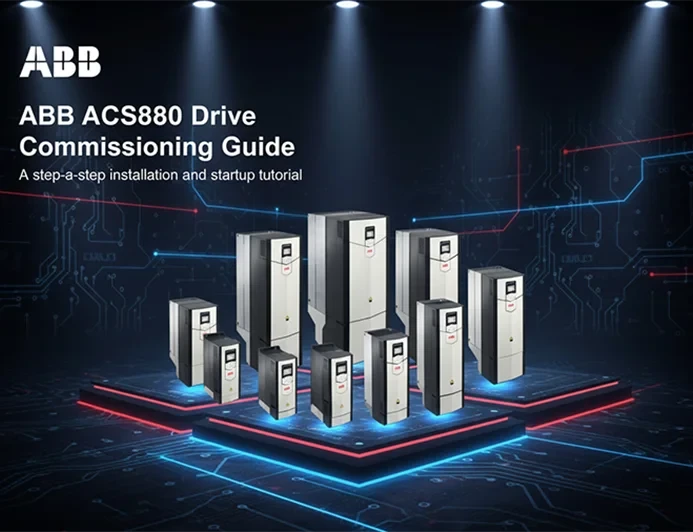
ABB ACS880 Drive Commissioning Guide
Step-by-Step Setup with ABB Drive Composer
In industrial automation, ABB ACS880 drives are known for their flexibility, reliability, and advanced control features. But as with every high-performance device, correct commissioning is crucial for both safety and efficiency.
This guide explains how to commission an ABB ACS880 using ABB Drive Composer, from software setup to the final test run.
1. Required Software: Drive Composer
The main tool for ACS880 setup is ABB Drive Composer.
It comes in two versions:
Download and install it from ABB’s official website before connecting to the drive.
2. Connection Options
You can connect to the ACS880 in several ways:
After connecting, open Drive Composer and click “Connect” to access the drive.
3. Reading and Backing Up Parameters
Once connected, always read the current parameters from the drive and save a backup on your PC.
If something goes wrong, you can restore the previous configuration in seconds.
4. Entering Motor Data
Next, enter your motor nameplate data into the drive:
After entering the data, perform a Motor ID Run so the drive can recognize and optimize motor parameters automatically.
5. Control Modes
The ACS880 offers different control modes depending on your application:
Select the mode that best fits your system requirements.
6. Safety and Pre-Test Checks
Before starting the motor, check the following:
Then perform a no-load test at low speed.
If successful, follow with a short load test to confirm stability and accuracy.
7. Monitoring and Diagnostics
Use Drive Composer to monitor the drive in real time:
These tools help detect issues early and keep your drive performing efficiently.
Conclusion
Commissioning an ABB ACS880 drive is a straightforward process when done in the right order.
With Drive Composer, you can easily set up, monitor, and fine-tune your drive through an intuitive interface.
Entering accurate motor data, verifying connections, and performing safety tests are the foundation of a smooth and reliable commissioning process.
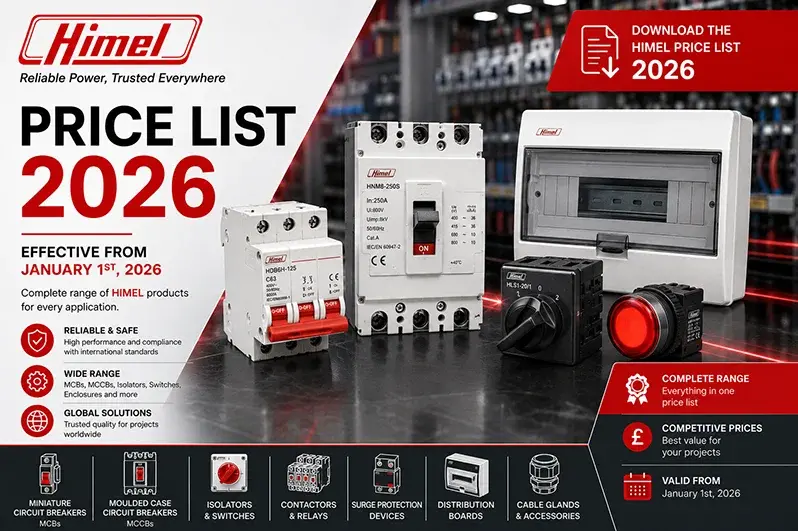
Access the official Himel 2026 Price List in Excel (XLSX) format – "Reliable made affordable". Founded in Spain in 1958 and now part of the Schneider Electric portfolio of affordable brands, Himel operates in 50+ countries with a complete low-voltage electrical product range. The 2026 list covers HDB9 miniature circuit breakers (6 kA / 10 kA), HDB3w-125 MCBs up to 125 A, HDM3, HDM3v, HDM3L and HDM3E moulded case circuit breakers (MCCBs) with electronic and thermal-magnetic trips, the HDW1 air circuit breaker (ACB) range, HDC3 industrial contactors, HDC17K mini contactors and modular contactors, HDR3s and HDR6 thermal overload relays, HDP6 motor circuit breakers, HDB3VR RCCBs, RCBOs, HAS soft starters, HAV variable speed drives, HDY3 surge protection devices, HJSZ3 electronic timers, HJXF metal enclosures, HTB112 terminal blocks, HRT18 fuses, HLAY 5/7 push buttons and indicator lights, and the Click and Prime V2 residential wiring devices. DAS Company provides competitive pricing, strong stock and certified engineering support across the full Himel range.
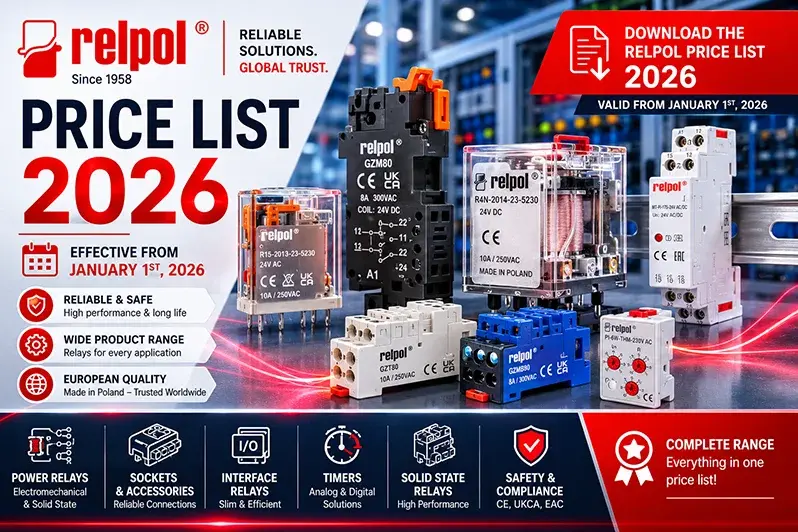
Access the official Relpol 2026 Price List in Excel (XLSX) format – the complete reference from Poland's premier relay specialist since 1958. Includes the latest RM84, RM85 and RM87 PCB relays in standard grey and new transparent coloured covers (orange for AC coils, blue for DC coils), GZP80 push-in sockets for tool-less installation, RM85 inrush (80 A), RM85 105°C sensitive, RM85 faston, RSM signal relays, R15, R2N/R3N/R4N, RUC industrial relays, PI84/PI85/PI84P/PI85P interface relays with GZT80/GZM80/GZP80 sockets, PIR6W and SIR6W interface modules, R30N/R40N/RS35/RS50/RS80/R90A high-power relays, railway-certified RM84T/RM85T/PI84T/RUCT/PRUCT series, RPC time relays, RPN and MR-series voltage and current monitoring relays, RSR solid state relays, RXC and RIK installation contactors, RSP surge protection devices, RZI power supplies, NEED programmable mini-PLCs and RPI/RPB installation relays. DAS Company provides competitive pricing, strong stock and certified engineering support across the full Relpol range.
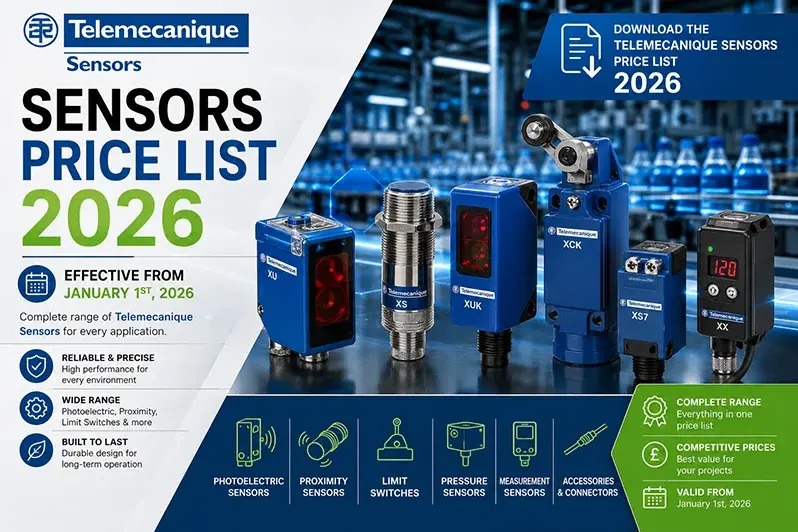
Access the official Telemecanique Sensors 2026 Price List in Excel (XLSX) format – the complete reference for the formerly OsiSense range from the independent brand of Schneider Electric. Includes XS inductive proximity sensors (XS Standard, XS Basic, XS Extensive, XS9 stainless steel 303/316L/WFI), XT capacitive sensors, XIOT cloud-connected sensors, XU and XUM photoelectric sensors, XUK distance measurement, XX ultrasonic sensors, XUVU ultrasonic forks, XC Standard / Special / Easy and XCMW wireless limit switches, XCS safety interlock switches, XY2C emergency stop rope pull switches, XUSL safety light curtains, XM electromechanical and electronic pressure sensors, XML industrial pressure & vacuum switches, XG RFID systems, Pumptrol pressure switches and XZ machine cabling accessories. DAS Company provides competitive pricing, strong stock and certified engineering support across the full Telemecanique Sensors range.
Access the official Weidmüller 2026 Price List in two currencies – GBP for the United Kingdom and EUR for European Union markets – in filterable Excel (XLSX) format. The complete reference from one of Germany's most respected manufacturers of industrial connection technology, covering Klippon® Connect modular terminal blocks (A-Series Application range, W-Series Universal range and Z-Series), Klippon® Protect empty enclosures, OMNIMATE® Signal and OMNIMATE® Power PCB connectors, OMNIMATE® 4.0 with SNAP IN technology, RockStar® Heavy Duty rectangular connectors, FieldPower distribution, PROtop and CP-series DIN-rail power supplies, u-mation PLC/HMI automation platform, BLADEcontrol wind turbine monitoring, MultiCard and PrintJet marking systems and the complete tooling and accessory range. DAS Company provides competitive pricing, strong stock and certified engineering support across the full Weidmüller range.
Access the official Phoenix Contact 2026 Price List in Excel (XLSX) format – the complete reference from one of the world's leading German manufacturers of industrial connection and automation technology. Covers CLIPLINE complete and CLIPLINE 3000 modular terminal blocks with Push-in technology, COMBICON PCB and pluggable connectors, PLUSCON Heavy Duty industrial connectors, TRABTECH surge protection devices, QUINT POWER, QUINT4 POWER, TRIO POWER and UNO POWER supplies, QUINT UPS, PLCnext Technology with AXC F 1152/2152/3152 controllers, Axioline F and Axioline Smart Elements I/O modules, Inline I/O System, PSR safety relays, CAPAROC and PTCB electronic circuit breakers, CONTACTRON hybrid motor starters, MACX Analog signal converters and FL SWITCH industrial Ethernet switches. DAS Company provides competitive pricing, strong stock and certified engineering support across the full Phoenix Contact range.
Access the official WAGO 2026 Price List in Excel (XLSX) format – the complete reference from the German specialist in spring-clamp electrical interconnection. Includes the legendary 221 Series Compact Splicing Connectors (lever-nuts), TOPJOB® S Rail-Mount Terminal Blocks (2002, 2004, 2006, 2010, 2016 series with lever, push-button and operating slot variants), the new 2202 Series double-deck push-button blocks, 2273 and 773 Series PUSH WIRE connectors for junction boxes, 243 Series MICRO PUSH WIRE, WAGO I/O System 750 modular fieldbus controllers, PFC200 PLC controllers, EPSITRON power supplies and WINSTA pluggable installation connectors. DAS Company provides competitive pricing, strong stock and certified engineering support across the full WAGO range.
Access the official ASTOR 2026 Price List (January 2026) – complete USD pricing for one of Turkey's leading medium-voltage equipment manufacturers. Includes hermetic-type oil-immersed distribution transformers from 50 kVA to 2500 kVA (TEDAS MLZ 99/032-E A+ and 99/032-D AOAk classes), dry-type cast-resin transformers (TEDAS MLZ 99/031-B and IEC 60076-11), AS36 air-insulated cubicle-type metal-enclosed modular switchgear (36 kV / 630 A / 1250 A / 16 kA), gas-insulated AS36 RMU ring main units, compact non-extendable RMUs, ABK monoblock concrete kiosks from 2550 mm to 7500 mm widths (TEDAS MLZ 2000/036.C), digital protection relays (Schneider Easergy P1, P3 U30, ABB REF615, Fanox SIL-A), feeder management relays IEC 61850, 7.2-36 kV silicone-polymer surge arresters, maintenance-free battery rectifiers (TEDAS MLZ 2018/065) and complete current and voltage transformer ranges. DAS Company provides competitive pricing, strong stock and certified engineering support across the full ASTOR range.
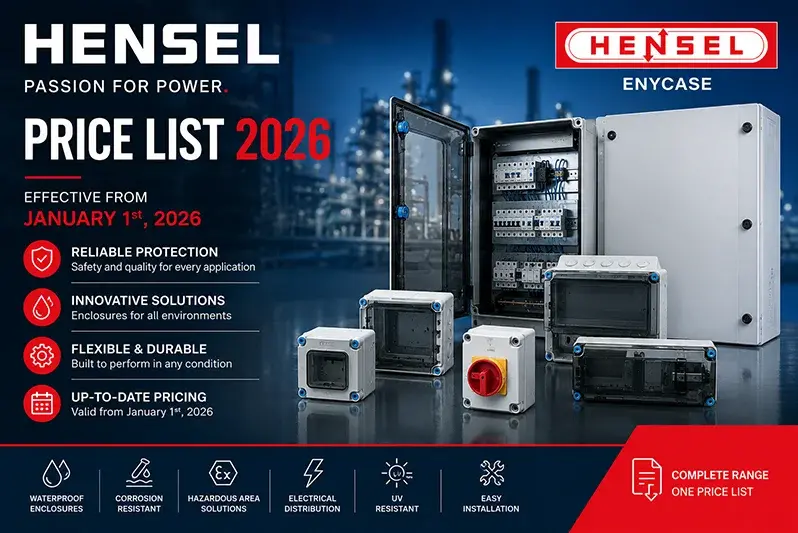
Access the official Hensel Price List 2026 (Preisliste Januar 2026) – the complete reference from the German specialist in safe electrical distribution. Includes ENYCASE DK cable junction boxes, ENYBOARD KV small distribution boards up to 63 A, ENYFLEX KF empty enclosures (IEC 62208), ENYSTAR FP distribution boards up to 250 A, ENYMOD Mi power distribution boards up to 630 A (IEC 61439), ENYSUN photovoltaic distributors, ENYFIT cable entry systems with AKM, AKMF, AKS and ADG glands, ENYCASE KX ATEX boxes for explosive atmospheres and the new KV EV 11 kW charging stations. Available as both PDF and Excel (XLSX). DAS Company provides competitive pricing, strong stock and certified engineering support across the full Hensel range.